Blooket play: live games, solo mode, and every mode to pick
play.blooket.com is where every Blooket session starts. Here's how live play, solo practice, and homework work — plus a tour of all 12 game modes and which one to pick for your class, your friend group, or your token farming.
Updated October 202612+ game modesFree to playSolo + live covered
What play.blooket.com actually is
play.blooket.com is Blooket's join screen — one Game ID field and one button. It's the door to every live game, deliberately stripped down so a class of students can enter a 7-digit code in seconds. Everything else (accounts, sets, the Market) lives on the dashboard side of Blooket; play is the game side.
Enter your Game ID at play.blooket.com, pick a nickname, and wait in the lobby for the host to start. During the game, questions appear on your device and results on the host's screen. The full walkthrough — including QR and link joining — is in our Blooket Join guide.
Playing solo
Solo mode is the underrated half of Blooket. Open one of your sets (or any set from Discover), choose a solo-compatible mode — Tower of Doom, Crazy Kingdom, and Cafe work best — and play at your own pace. Solo games award tokens like live ones do, which makes them the cleanest way to practice a set before test day or farm your daily 500 tokens.
Every Blooket game mode, explained
All modes run the same question set; they differ in what happens between questions. Here's the full 2026 lineup:
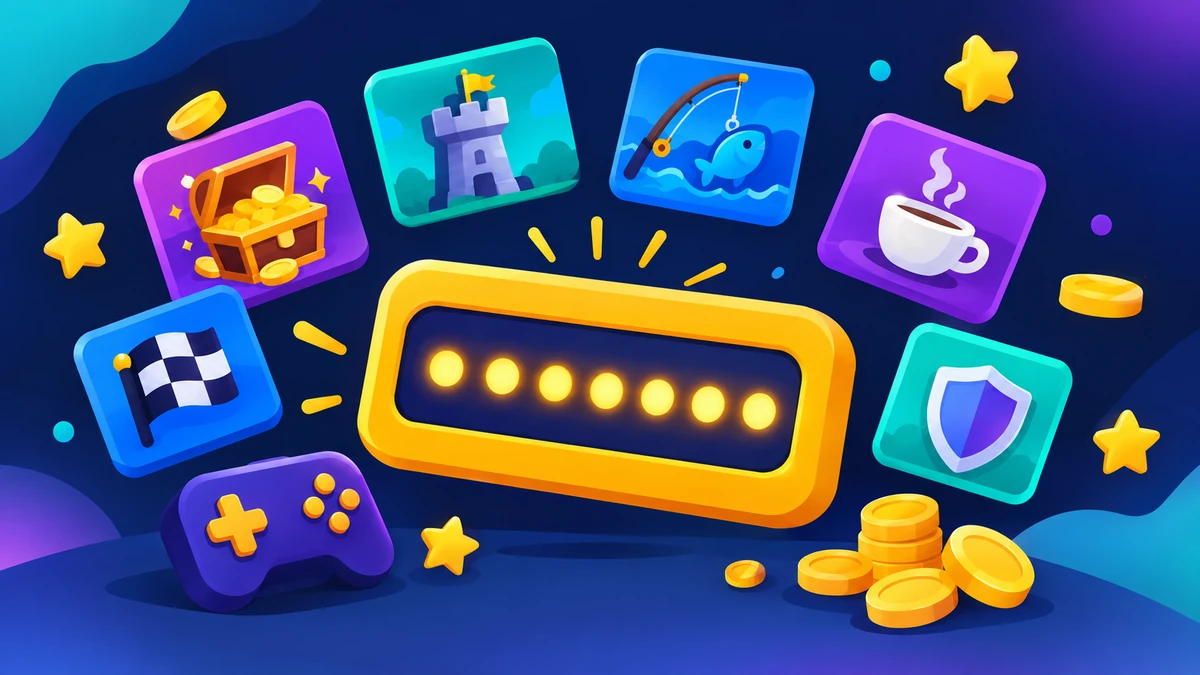
Illustration: mode themes — Gold Quest chests, Tower Defense, Fishing Frenzy, Cafe, Racing — all joined from one Game ID.
🪙 Gold QuestLive
Answer questions, open chests for gold, and steal from other players. The chest you pick matters as much as the answer — one chest can triple your stash or hand your gold away.
Best for: Fast classes that like chaos and comebacks
🔐 Crypto HackLive
Earn crypto by answering, then hack other players' wallets to steal it. Firewall blocks and counter-hacks make it the most strategic live mode.
Best for: Older students who like risk and bluffing
🛡️ Tower DefenseLive
Correct answers earn Blooks that defend your path against waves of enemies. Longer rounds, deep strategy, and a co-op variant for teams.
Best for: Strategy fans; long sessions
🎣 Fishing FrenzyLive
Answer questions to cast your line and reel in fish of varying rarity — including a handful of ultra-rare catches worth big points.
Best for: Calm, collectible-focused sessions
☕ CafeLive
Serve customers by answering questions and restocking food. A store-management loop that runs itself once students know the flow.
Best for: Solo or homework-style play
⚔️ Battle RoyaleLive
Players duel head-to-head in knockout rounds until one champion remains. Fast, competitive, and best with bigger lobbies.
Best for: Energetic end-of-class finals
🏭 FactoryLive
Build a Blook-producing factory line, upgrade it, and survive sabotage events. One of the best tokens-per-question rates on the platform.
Best for: Token farming and steady sessions
🗼 Tower of DoomSolo
A solo card-battle mode where Blooks with stats battle up a tower. One of the original modes and still a favorite for homework assignments.
Best for: Homework and self-paced play
🏁 RacingLive
Correct answers move your racer forward. Pure speed mode — no items, no stealing, just answer faster than everyone else.
Best for: Quick drills and warm-ups
👾 Monster BrawlLive
Defend your base from waves of monsters between question rounds, then upgrade your defenders. A tower-defense cousin with simpler rules.
Best for: Classes that loved Tower Defense but want shorter rounds
🦕 Deceptive DinosLive
Answer questions to earn fossils and dodge deceptive dino events. A relaxed mode with light strategy and dinosaur collectibles.
Best for: Younger classes
👑 Crazy KingdomSolo
A solo resource-management mode: answer questions, then balance your kingdom's food, people, and happiness through event choices.
Best for: Self-paced decision-making practice
Choosing the best mode — quick picker
Pick by situation, not by hype
If you want…
Pick
Why
The safest all-class favorite
Gold Quest
Simple rules, stealing keeps it competitive to the end
Strategy for older students
Crypto Hack / Tower Defense
Firewalls, counter-hacks, and tower builds reward thinking
Fast token farming
Gold Quest or Factory
Best tokens-per-question rates on the platform
A calm, quiet session
Fishing Frenzy or Cafe
Low chaos, collectible feel, self-paced loops
End-of-class energy
Battle Royale
Knockout duels peak exactly when the clock runs down
Homework that runs itself
Tower of Doom or Crazy Kingdom
Solo modes with progress students can finish alone
Watch: every mode explained by Blooket
Blooket's official video tours all game modes — the fastest way to see which one fits your class:
Every Blooket game mode explained (official)
Playing on phones, tablets, and Chromebooks
Blooket play runs in the browser on everything — no app required. Phones get the numeric Game ID keypad; Chromebooks (the classroom default) run it like any website. If a school device blocks the site, that's a network filter, not a Blooket problem — asking the teacher or IT is the fix, not workarounds.
When Blooket play isn't working
“Game not found” or instant kick: the session ended or the code was mistyped — confirm with the host.
Lobby stuck loading: reload the page; if it persists, clear the browser cache.
Questions won't load mid-game: usually a network drop — rejoin with the same Game ID; hosts can enable late joining to readmit you.
Site blocked on a school device: filters block play.blooket.com sometimes; only your teacher or IT can whitelist it.
Blooket Starter vs Plus (for players and hosts)
The free Starter plan includes every game mode, live hosting, homework, and the full Market. Blooket Plus is an optional subscription for hosts — it adds deeper reports, more question-set options, and customization. Players never need Plus to play, and nothing on the play side is paywalled.
Is Blooket play safe for students?
Yes, with the standard classroom hygiene: joining shares only a nickname; there's no chat with strangers in lobbies; hosts control names and late joins. Teach students two rules — never log in anywhere except id.blooket.com, and never trust “free coins” or bot sites. Our bot guide covers the risks in detail.
Frequently asked questions
How do I play Blooket?
Join a game at play.blooket.com with the 7-digit Game ID your host shares, pick a nickname, and answer questions when the game starts. Every mode wraps the same quiz in a different game loop — collecting gold, defending towers, or serving cafe customers. You can also play solo with your own account and set.
What is the best Blooket game mode?
For live classes, Gold Quest is the all-ages favorite because steals create comebacks, and Battle Royale works best for big energetic groups. For earning tokens fast, Gold Quest and Factory have the best rates. For homework, Tower of Doom and Cafe run themselves. The right pick depends on your group — the comparison table above breaks down all 12.
Can I play Blooket by myself?
Yes — solo mode. Log in, open a set, and choose a solo-friendly mode like Tower of Doom, Crazy Kingdom, or Cafe. Solo play works without a host, and it's the best way to practice before a live game.
Why is Blooket not working for me?
Most play problems are connectivity or session issues: the host ended the game, your browser cache is stale, or a school filter is blocking play.blooket.com. Reload the page, check the lobby is still live, then try another browser.
Is Blooket play free?
Yes. Every game mode is free to play, and hosts can run live games and homework on the free Starter plan. Blooket Plus is an optional upgrade for hosts (reports, customization) — players never need to pay.
Do I need an account to play?
Not for live games — a Game ID and nickname are enough. An account saves your tokens and Blook collection between sessions and unlocks solo mode, so it's worth creating if you play regularly.
Disclaimer: BlooketBot (blooketbot.it.com) is an independent fan-made resource for players and teachers. We are not affiliated with, endorsed by, or sponsored by Blooket Inc. “Blooket” is a trademark of its respective owner. All tools on this site run in your browser only — we never ask for your Blooket login, and links marked “official” take you to blooket.com properties.